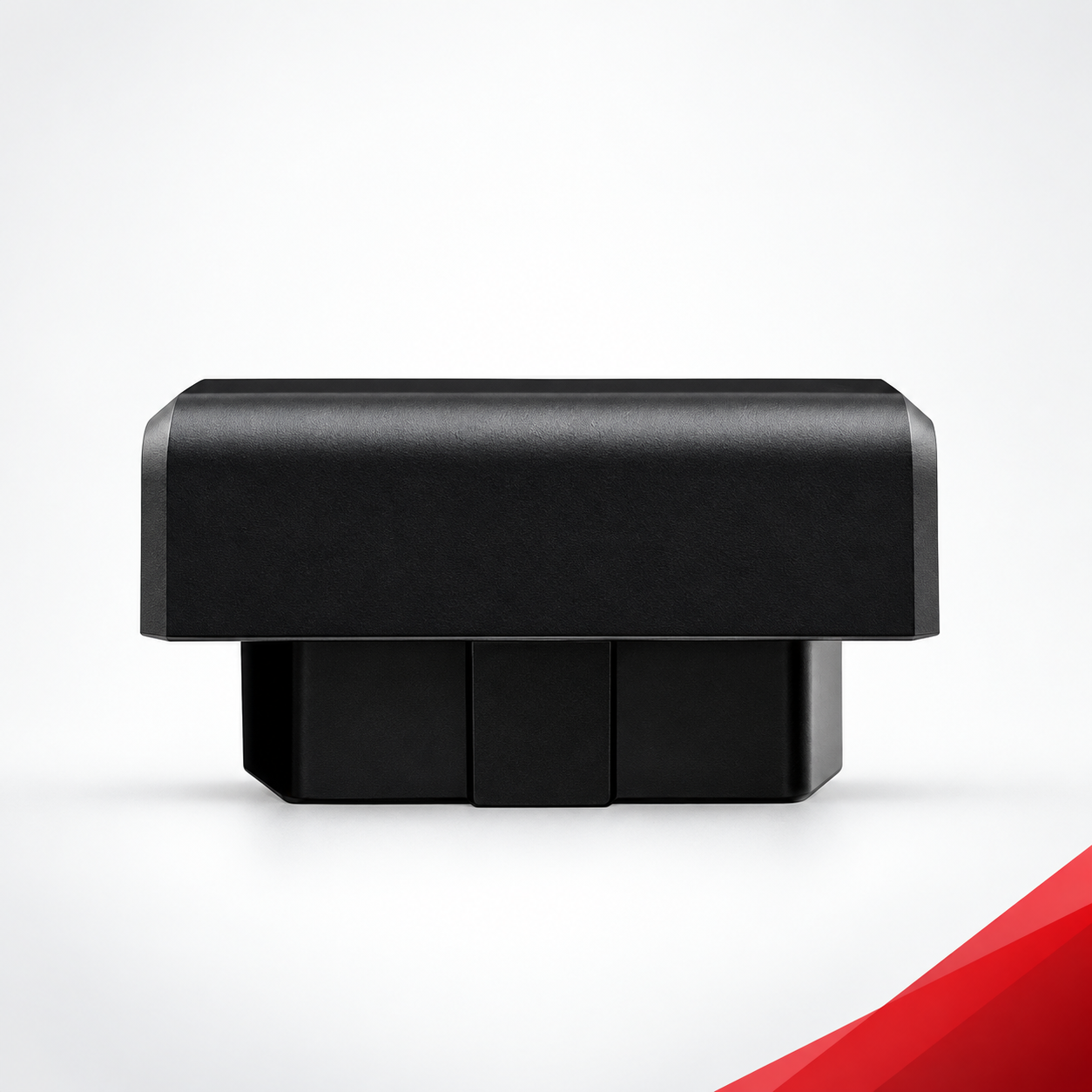

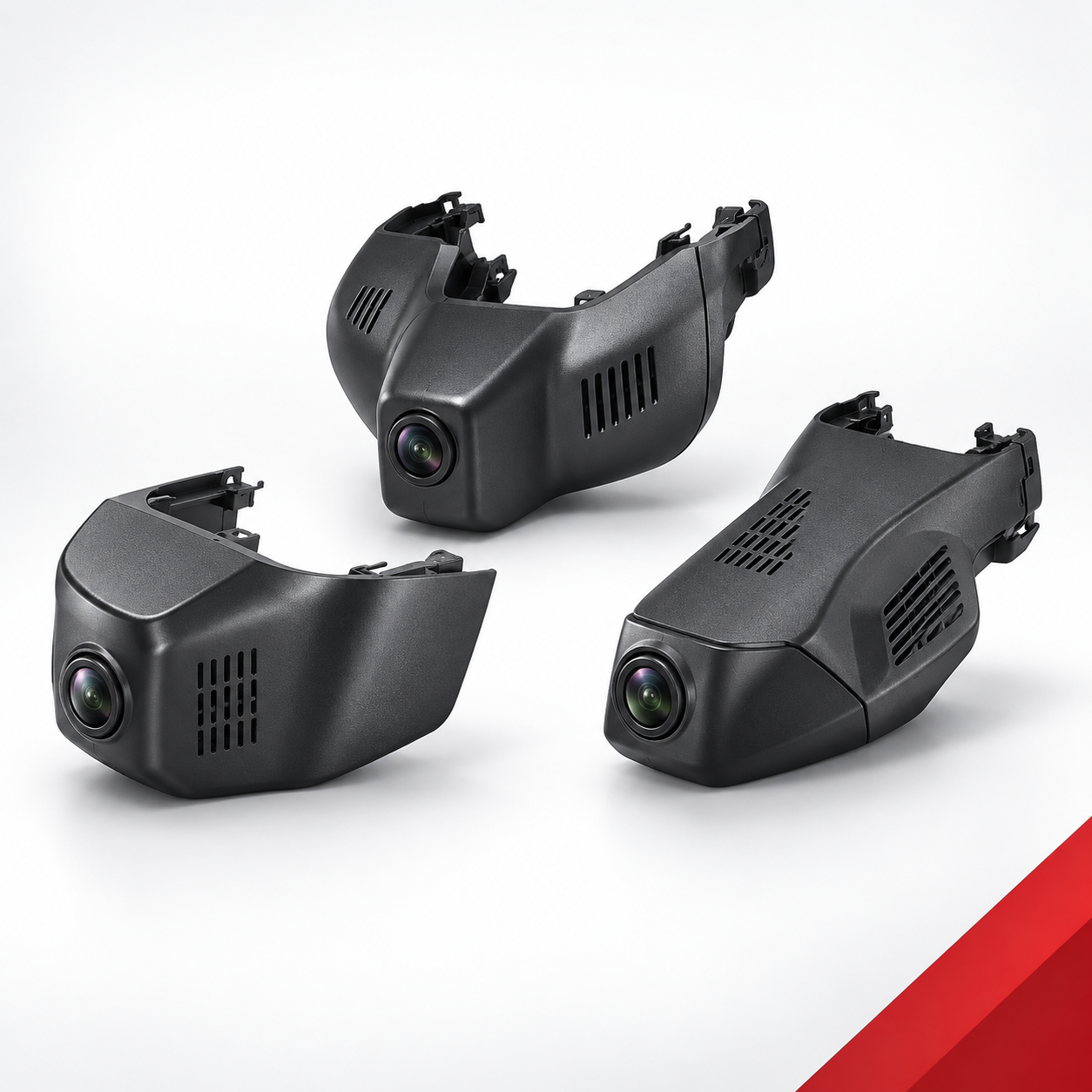
An OEM dash camera sample should be approved only after the buyer verifies vehicle fitment, installation, power behavior, video evidence, recording reliability, optional connectivity and the exact packaging configuration. Use the same vehicle, firmware, memory card, accessories and acceptance criteria that will define the production reference. Features such as 2K or selected 4K recording, Wi-Fi, 4G, GPS, ADAS or DMS are platform-dependent and must be tested only when they are included in the approved sample configuration.
Freeze the Sample Configuration Before Testing
A sample result is useful only when the tested configuration is documented. Before installation, record the following baseline and attach photos of the sample label, connectors and supplied accessories.
| Baseline field | What to record | Why it matters |
|---|---|---|
| Target vehicle | Brand, model, year or generation, market, trim and original mirror/sensor area | Vehicle-specific housing and wiring can change by market or configuration. |
| Camera platform | Housing, recorder model, front-only or front/rear version | Different platforms can use different connectors and functions. |
| Video configuration | Resolution for each channel, frame setting and audio status | A headline resolution does not define every channel. |
| Connectivity | Wi-Fi/app, GPS, 4G, ADAS or DMS only when ordered | Optional functions should not be assumed across the range. |
| Software reference | Firmware and app version | Results must be traceable to the tested software. |
| Storage | Memory-card brand, capacity, speed class and formatting method | Card selection affects recording and file tests. |
| Accessories | Rear camera, harness, cable lengths, mounts and tools | The approved kit must match the production bill of materials. |
| Branding package | Logo, label, manual, carton and barcode version | Private-label approval includes more than the device. |
OEM Dash Camera Sample Evaluation Gates
| Gate | Evidence | Typical decision |
|---|---|---|
| Vehicle fitment | Installed photos, housing gaps, mirror/sensor clearance and cable routing | Critical: reject or rework if fitment is incorrect. |
| Power behavior | Repeated ignition/start/stop results and standby behavior | Critical: investigate resets, missed starts or unintended battery load. |
| Video quality | Day, night, tunnel, glare and moving-scene clips from each channel | Approve only against project-defined viewing criteria. |
| Recording reliability | Continuous test log, loop overwrite, protected files and file playback | Critical: no missing or corrupted required evidence. |
| Rear channel | Front/rear timestamps, cable routing and rear image sample | Required only for the selected dual-channel configuration. |
| App/connectivity | Pairing, live view, playback, download and reconnect results | Required only for functions included in the specification. |
| Optional functions | GPS, 4G, ADAS or DMS records under agreed test conditions | Evaluate separately; do not infer availability from another model. |
| Packaging/documents | Approved artwork, labels, manual, accessories and carton inspection | Major: close every mismatch before production approval. |
1. Verify Vehicle Fitment and Installation
For a vehicle-specific hidden dash camera, the first test is mechanical and electrical fitment. Compare the sample with the original rearview-mirror base, rain-sensor cover and windshield area before removing trim. Do not force a housing or connector that does not match.
- Confirm the housing sits securely without abnormal gaps, interference or blocked sensors.
- Check that the original mirror adjustment, sensor area and driver field of view remain usable.
- Photograph every connector before and after installation.
- Route front and rear cables without pinching, sharp bends, loose loops or interference with airbags.
- Measure installation time and record every tool, adapter or trim step required.
- Complete a short road test to listen for rattles and confirm that the housing remains stable.
2. Test Power, Startup and Shutdown Behavior
Use a repeatable ignition-cycle test rather than a single successful startup. The buyer should define the expected recording start, shutdown delay and parking behavior for the selected power design.
- Start the vehicle from a fully off condition and record the time until recording begins.
- Repeat normal start/stop cycles and include a rapid restart.
- Check for unexpected rebooting when other vehicle loads are used.
- Confirm the sample stops or enters the agreed parking mode after shutdown.
- Leave the vehicle for the agreed standby period, then check restart behavior and battery condition.
- Repeat the sequence after the sample has completed a longer recording run.
3. Collect Comparable Day and Night Video Evidence
Video approval should use the same route, mounting position and camera settings for every sample. Keep the original files; messaging-app previews and screenshots are not sufficient evidence.
Daylight route
Record open roads, shaded streets, moving traffic and a transition into or out of a tunnel or parking structure. Review exposure recovery, color, reflections, detail across the frame and any vibration caused by the mount.
Night route
Use a route with streetlights, darker sections, oncoming headlights and stationary signs. Assess glare, noise, exposure changes and useful detail under the buyer’s real target conditions. Do not promise universal plate readability; distance, speed, lighting, weather and camera settings affect the result.
Front and rear comparison
For a dual-channel sample, confirm that both files cover the same drive, use consistent timestamps and remain playable. Rear-camera mounting position, glass tint, cable length and vehicle body style should be recorded with the result.
4. Verify Recording Reliability and File Integrity
- Format the approved memory card using the agreed method before the test.
- Run a continuous recording test long enough to trigger multiple loop-overwrite cycles.
- Compare expected and actual file sequences; note any time gaps or zero-byte files.
- Play representative files on both the device/app and a computer.
- Trigger and locate protected event files when G-sensor recording is part of the selected configuration.
- Disconnect power only under the agreed test procedure, then verify that the last file remains readable.
- Record card warnings, recovery steps and the behavior when storage is full or unavailable.
The acceptance threshold should be written before the test. A sample should not pass because a missing file “did not happen often”; production risk must be evaluated from documented results and corrective action.
5. Evaluate Wi-Fi, App and Optional Functions Separately
Wi-Fi/app access, 4G connectivity, GPS and driver-assistance functions are configuration-dependent. Create a separate line item for every function included in the approved specification.
| Function | Minimum sample evidence |
|---|---|
| Wi-Fi/app | First pairing, live view, settings change, playback, file download and automatic reconnect. |
| GPS | Position or route record under the agreed environment, plus timestamp comparison. |
| 4G | SIM/network setup, connection recovery and the specific remote function ordered. |
| ADAS | Enabled functions, calibration conditions, warnings and known operating limits. |
| DMS | Required alerts, installation angle, driver position and agreed test scenarios. |
| Audio | Recording on/off control, speech clarity and privacy/default setting. |
6. Run an Agreed Durability and Environment Check
A sourcing sample is not a substitute for formal certification or laboratory qualification. However, the buyer can still run a controlled endurance screen: extended recording, repeated vehicle cycles, normal road vibration, target-market cabin heat/cold exposure and connector reinspection. Record the temperature or condition, duration, test vehicle and pass/fail rule. Use formal standards only when the supplier and buyer have agreed on the exact method and evidence.
7. Approve Packaging, Labels and Production References
For an OEM or private-label order, the approved sample should include the commercial details that will ship. Check the product label, model code, barcode, logo placement, accessories, cable labels, manual language, warning text, carton protection and master-carton marks. Photograph the final arrangement and assign a version number.
Keep one sealed approval sample and one working reference sample when practical. The sample record should link the device serial number, firmware, bill of materials, artwork files and signed deviation list.
Sample Decision and Corrective-Action Record
| Result | Use | Required action |
|---|---|---|
| Approve | All critical requirements and agreed acceptance criteria pass. | Freeze sample, software, accessories, artwork and production references. |
| Conditional approval | Only documented minor items remain and do not affect safety, fitment, power or evidence recording. | Set an owner, deadline and production verification point for each item. |
| Rework and retest | A correctable critical or major issue is found. | Issue a numbered corrective-action list and repeat affected tests on a revised sample. |
| Reject | The platform cannot meet the target vehicle or mandatory project requirements. | Stop volume planning and select another configuration. |
Use this checklist after reviewing the vehicle-specific dash camera selection guide and the hidden versus universal dash camera comparison. Buyers can also compare the LVDS mirror dash camera platform or browse the full Dash Cameras & ADAS range.
Frequently Asked Questions
How many vehicles should be used for sample approval?
At least one representative vehicle is required for each exact application group being approved. A result from one generation, market or mirror configuration should not automatically be extended to another.
Should every optional function be tested?
Test every function included in the ordered configuration. Do not fail or approve a sample for 4G, GPS, ADAS, DMS, Wi-Fi or app behavior unless that function is part of the documented sample specification.
Can a supplier video replace buyer testing?
No. Supplier evidence is useful for screening, but the buyer or appointed installer should verify the actual sample in the target vehicle and retain the original files and test record.
What information should be sent before requesting a sample?
Send the vehicle brand, model, year or generation, sales market, trim, mirror/sensor-area photos, required camera channels, resolution, connectivity, optional functions, branding, packaging and forecast quantity. Review the OEM/ODM cooperation process before finalizing the sample request.