
A vehicle fitment data sheet gives an automotive electronics supplier the exact vehicle, market, original-equipment and product requirements needed to evaluate an RFQ. A useful sheet goes beyond Year, Make and Model. It records the vehicle generation, trim, factory equipment, connector or mounting details, requested functions, target market, product version and the evidence required before compatibility can be approved.
Distributors, importers and private-label buyers can use the following structure before requesting a dash camera, OBD module, CarPlay device or other vehicle-specific electronic product. It reduces clarification cycles and prevents an early quotation from being mistaken for a confirmed fitment promise.
Why a Fitment Data Sheet Belongs in the RFQ
Automotive model names are not stable technical specifications. The same model may use different platforms, dashboards, mirror bases, connectors, factory head units or body-control configurations across countries and production years. A supplier may recognize the vehicle name but still lack the evidence needed to confirm installation, protocol behavior or feature coverage.
The fitment sheet separates three commercial stages: quotation, sample evaluation and approved application. A quotation can be prepared from the buyer’s stated scope. Compatibility should remain conditional until the correct product version is tested on representative vehicles. For the broader data-control method, see our vehicle fitment list guide.
Minimum Vehicle Identification Fields
| Field | What the buyer should provide | Why it matters |
|---|---|---|
| Market / country | Country of sale or intended distribution | Separates regional specifications and model naming |
| Make and model | Full public model name | Provides the starting vehicle family |
| Model year | Year or exact production-date range | Helps identify facelifts and generation changes |
| Generation / platform | Chassis, platform or generation code when available | Reduces ambiguity between vehicles sharing one name |
| Trim / configuration | Engine, body style, grade and relevant options | Captures equipment differences inside one model year |
| VIN evidence | Masked VIN segment or decoded vehicle data when appropriate | Supports verification without publishing personal vehicle data |
Do not rely on a model-year range copied from a marketplace listing. If the buyer cannot confirm a generation or production breakpoint, mark the application as “sample required” instead of widening the compatibility claim.
Record the Original Vehicle Equipment
The next section should describe the factory hardware the product must connect to or work around. The required evidence depends on the product category:
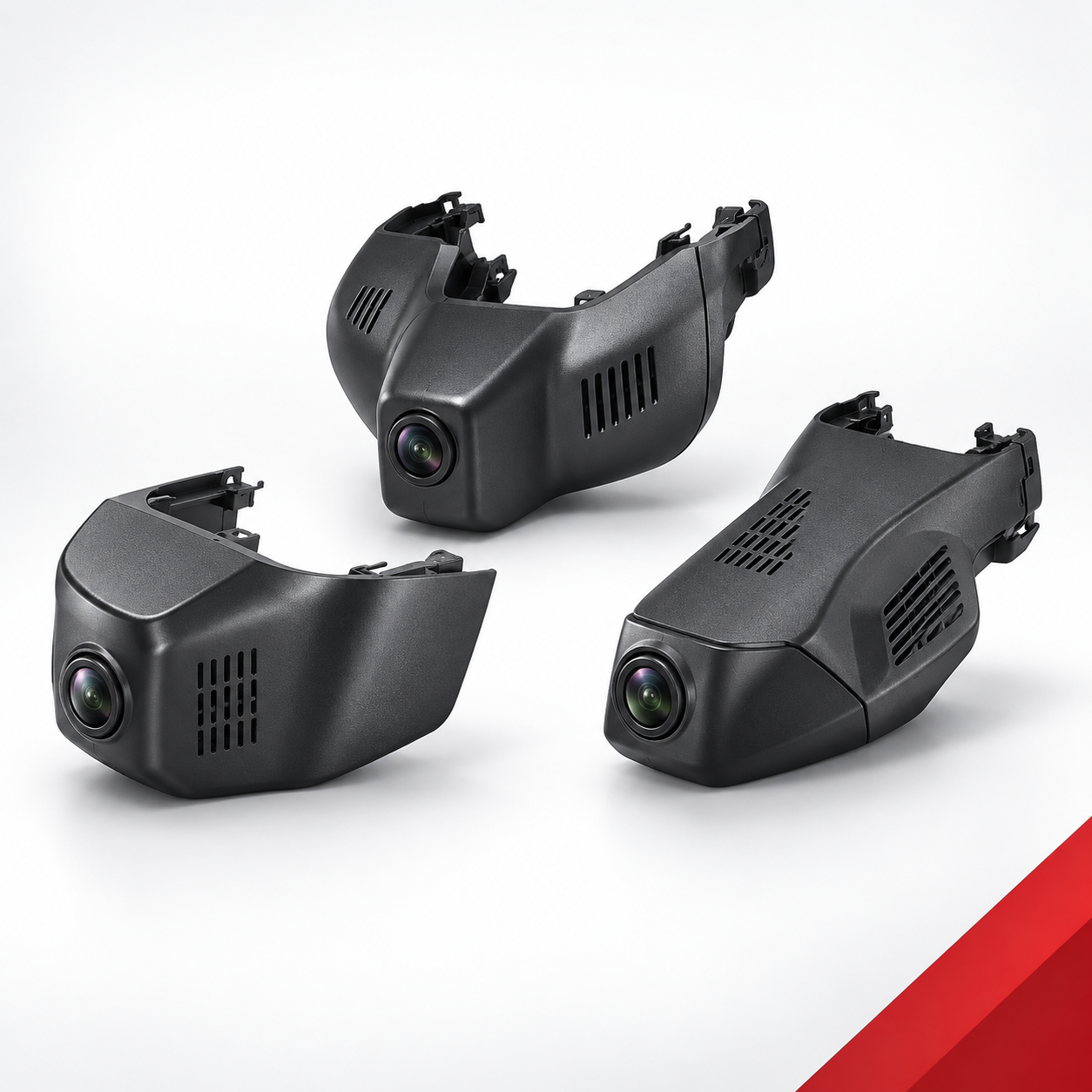
- Dash camera: mirror-base shape, rain or light sensor housing, available power source, trim clearance and camera field of view.
- CarPlay device: factory screen and head-unit type, wired CarPlay availability, USB port type, region, touch-control method and audio route.
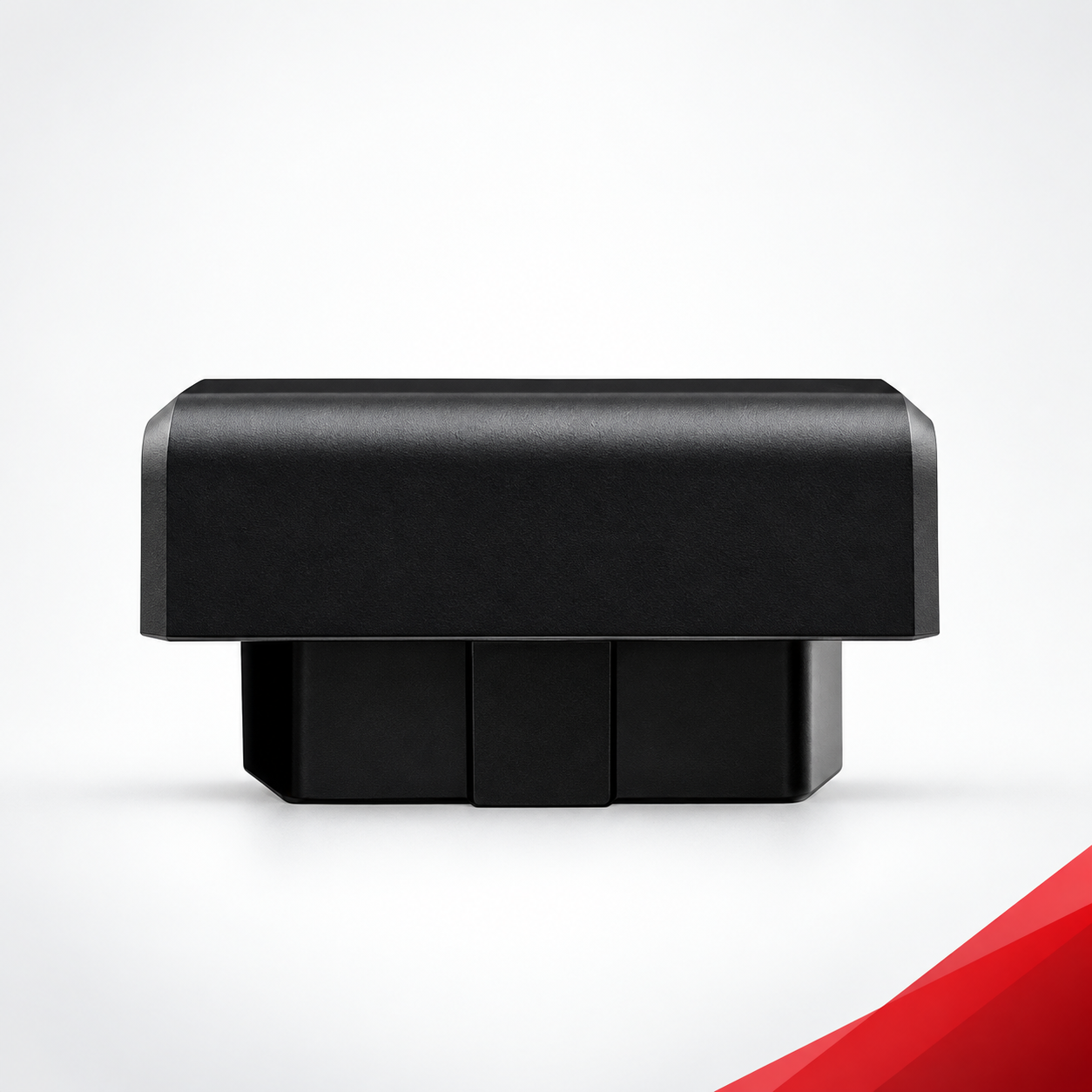
- OBD or control module: connector photos, vehicle protocol, target function, factory feature state and any known software or trim limitation.
- Switch or panel product: connector, pin layout, mounting dimensions, illumination and original part reference where legally and commercially appropriate.
Clear photos are often more useful than long descriptions. Ask for one wide context photo, one close-up of the relevant component and one connector or port image. Remove license plates, owner details and unrelated personal information before sharing files.
Define the Requested Product and Functions
An RFQ should identify the requested product family and the functions that must be evaluated. Avoid combining mandatory, optional and future features in one sentence. Use a simple priority field:
| Priority | Meaning | RFQ treatment |
|---|---|---|
| Required | The project cannot proceed without this function | Supplier must confirm whether it is included, conditional or unsupported |
| Preferred | Commercially valuable but not a launch blocker | Quote separately when configuration-dependent |
| Optional | Used for portfolio comparison or future versions | Keep outside the base configuration unless selected |
| Not required | Explicitly outside the project scope | Exclude from testing and pricing assumptions |
For vehicle-control projects, our vehicle-specific OBD module buying guide explains how to separate fitment, function and sample verification. A concrete example is available in the Honda OBD fitment guide.
Add Commercial and Project-Control Inputs
The vehicle data alone is not enough for a usable quotation. Add the target market, estimated project volume or volume range, branding requirements, packaging language, sample quantity, desired validation date and target launch window. If a value is not confirmed, label it “to be confirmed” rather than inventing a precise number.
Private-label and co-development programs should also name the person responsible for approving vehicle scope, product configuration, artwork and sample results. Our co-development process shows how inputs, samples and approval gates can be separated.
Use Evidence and Status Fields
Each fitment row should carry an evidence reference and a controlled status. This prevents an unverified sales note from becoming a permanent compatibility statement.
| Status | Use it when | Sales wording |
|---|---|---|
| Candidate | The vehicle matches an initial product concept | Under preliminary review |
| Sample Required | Key vehicle or equipment evidence is missing | Compatibility subject to sample testing |
| Conditional | Support depends on trim, factory equipment or product version | Compatible only under the stated conditions |
| Verified | A defined sample and vehicle configuration passed the agreed checks | Verified for the recorded configuration |
| Not Supported | The configuration failed or is outside product scope | Do not quote as compatible |
Evidence may include installation photos, connector images, test videos, sample serial numbers, firmware versions, dated test records and approval notes. Keep the public fitment list concise, but preserve the internal evidence trail.
Copyable RFQ Fitment Template
- Company and contact:
- Target sales market:
- Vehicle make / model:
- Model year or production range:
- Generation / platform / chassis:
- Trim, body style and relevant options:
- Original equipment description:
- Required product category:
- Required / preferred / optional functions:
- Photos or evidence attached:
- Sample quantity and validation target:
- Branding and packaging requirements:
- Estimated volume or volume range:
- Target launch window:
- Known exclusions or open questions:
Use one row per materially different vehicle configuration. If two trims use different factory screens, mirror bases, connectors or protocols, keep them separate until testing proves they can share one product version.
Review the Sheet Before Sending
- Remove duplicate model names that hide different generations or regional versions.
- Mark unknown fields clearly instead of guessing.
- Separate required functions from optional requests.
- Confirm that photos match the exact vehicle configuration in the row.
- State whether the request is for quotation, sample selection or final fitment approval.
- Assign an owner and revision date to the sheet.
- Do not publish VINs, customer names or other personal vehicle information.
Frequently Asked Questions
Is Year, Make and Model enough for an automotive electronics RFQ?
Usually not. Market, generation, trim, original equipment and the required function can change compatibility even when the public model name is the same.
Can a supplier confirm fitment before receiving a sample?
A supplier may identify a candidate configuration from documents and photos, but final confirmation should remain conditional when installation, protocol or factory-equipment differences have not been tested.
Should the RFQ include a VIN?
Only when it is necessary and handled appropriately. A decoded vehicle specification or masked identifier may be sufficient. Do not place full VINs or owner information in public documents.
How often should fitment data be updated?
Update it whenever the vehicle scope, factory equipment, product hardware, firmware, connector, packaging or validation evidence changes. Keep a revision date and approval owner.
Prepare a Clearer Automotive Electronics RFQ
A disciplined fitment data sheet lets both buyer and supplier see what is known, what is conditional and what still requires a sample. It shortens clarification without replacing real vehicle validation.