
A CarPlay AI box is not a universal accessory. Distributors should confirm the vehicle, original infotainment system, ports, phone environment and required functions before requesting a sample or production quotation. This checklist organizes the information needed to reduce compatibility mistakes and make sample testing more useful.
Start With the Product Route
First decide whether the program needs a compact wireless adapter or a configurable AI box/display platform. These products solve different problems.
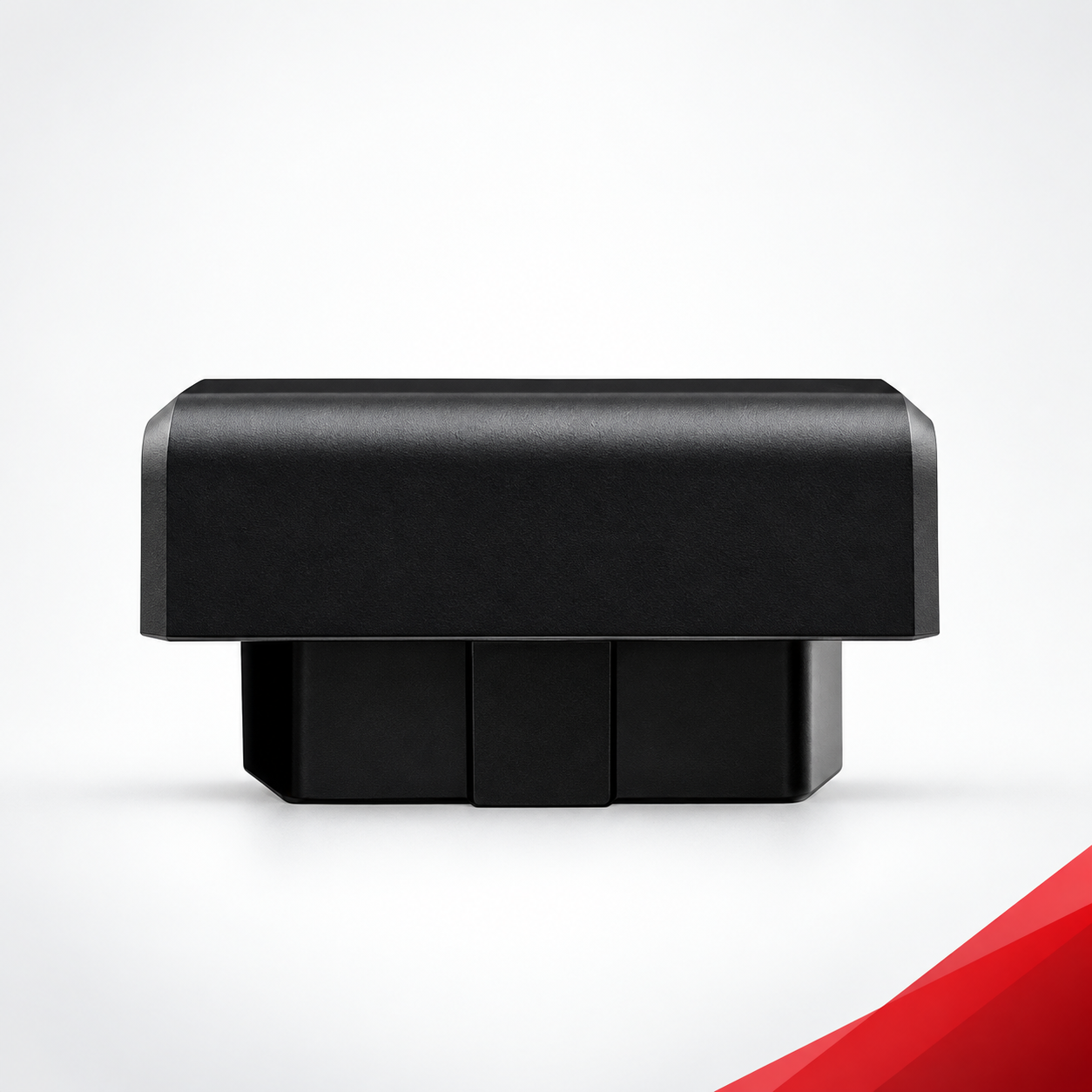
Wireless CarPlay USB Adapter
This route is intended for supported vehicles that already have a working factory wired-CarPlay connection. The adapter uses Bluetooth for pairing and Wi-Fi for the CarPlay data connection. It does not add CarPlay to a vehicle that lacks a compatible wired-CarPlay interface.
Review the Wireless CarPlay USB Adapter when the buyer wants a compact conversion from factory wired CarPlay to wireless operation.
CarPlay AI Box or Display Platform
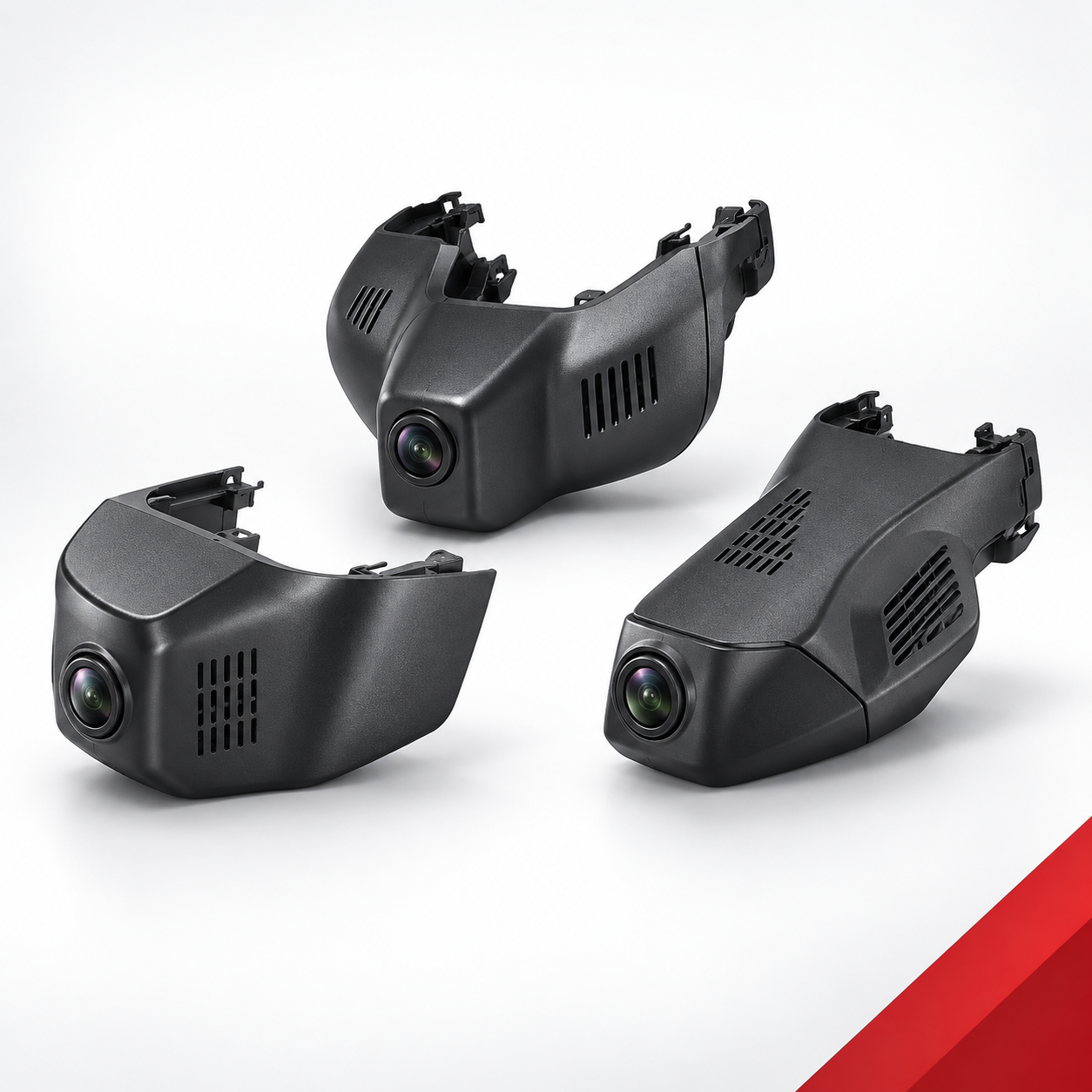
This route can cover Wireless CarPlay, Android Auto and model-dependent functions such as 4G, GPS, hotspot, screen casting, Bluetooth, dash-camera integration or Android applications. The quoted function set depends on the selected hardware and software configuration.
Review the Wireless 4G/GPS CarPlay AI Box Series for CP01, CP02, CA04 and CU03 options.
CarPlay AI Box Compatibility Checklist
1. Vehicle Identification
- Vehicle brand and exact model
- Model year or production date
- Destination country or sales market
- Trim level when it changes the infotainment equipment
- Left-hand-drive or right-hand-drive configuration when relevant
The same vehicle name can use different head units across model years, trims and markets. A model name alone is usually not enough for a reliable decision.
2. Original Infotainment System
- Factory or aftermarket head unit
- Screen size and system name
- Software or firmware version when available
- Clear photos of the home screen, system-information page and relevant menus
- Whether the screen is touch controlled, knob controlled or both
Photographs reduce ambiguity. They help distinguish systems that look similar in a vehicle list but use different software, ports or control logic.
3. Current CarPlay and Android Auto Status
- Does factory wired CarPlay work now?
- Does factory wireless CarPlay work now?
- Does wired or wireless Android Auto work now?
- Which port starts the current wired connection?
- Is activation, subscription or a specific menu selection required?
A wireless USB adapter normally depends on an existing supported wired-CarPlay function. An AI box may have different system requirements, so the current connection status must be stated rather than assumed.
4. Port and Power Details
- USB-A, USB-C or another interface
- Number and location of available ports
- Which port supports data rather than charging only
- Available accessory power and space around the port
- Need for an adapter cable or extension cable
A connector that physically fits is not proof of compatibility. The port must provide the required data communication and power behavior.
5. Phone and Operating System
- Phone brand and model
- iOS or Android version
- Target phone mix in the destination market
- Bluetooth and Wi-Fi restrictions used by the buyer
- Required languages, maps and regional applications
Distributors should test representative phones, not only one internal device. Phone updates and regional services can affect pairing, applications and online functions.
6. Required Functions
| Function | Confirm Before Quotation |
|---|---|
| Wireless CarPlay | Required phone and current factory-CarPlay status |
| Android Auto | Phone model, Android version and wired/wireless requirement |
| 4G / SIM | Network bands, SIM type, destination market and carrier needs |
| GPS | Positioning, navigation and regional map requirements |
| Hotspot | Expected connected devices and network use |
| Screen casting | Phone operating system and supported use case |
| Android applications | Required apps, language, region and update method |
| Dash camera | Camera count, recording resolution and storage expectations |
Do not treat optional functions as standard. Confirm the written model specification and sample configuration before promising a feature to customers.
7. Original Controls and User Experience
- Touchscreen response
- Steering-wheel buttons and control knob
- Microphone, call audio and media audio
- Original reverse camera and parking display
- Return to the factory interface
- Startup time and automatic reconnection
- Screen ratio, resolution and display orientation
The buyer should define which original functions must remain available. A successful connection alone does not confirm an acceptable in-vehicle experience.
8. Commercial and OEM/ODM Inputs
- Sample quantity and expected production quantity
- Target market and sales channel
- Logo, housing, startup screen or software requirements
- Packaging, label, manual and barcode requirements
- Required compliance documents
- Target delivery timing and after-sales expectations
Sample Evaluation Procedure
- Record the sample model, hardware version and software version.
- Test installation and first connection on representative vehicles.
- Restart the vehicle and verify automatic reconnection repeatedly.
- Check calls, music, navigation, microphone and original controls.
- Test all quoted optional functions, including 4G, GPS, hotspot or applications.
- Repeat testing with representative iPhone and Android devices.
- Record issues by vehicle, head unit, phone and software version.
- Approve the exact golden sample before production.
A distributor should not approve a product after one successful pairing. Repeatable testing across the intended vehicle and phone mix is the safer basis for a wholesale program.
Copy-and-Send Compatibility Request
Vehicle brand/model/year:
Destination market:
Trim and drive side:
Original infotainment system:
System software version:
Factory wired CarPlay status:
Android Auto status:
Data port type and location:
Phone models and OS versions:
Required functions:
Sample and production quantity:
OEM/ODM requirements:
Attached dashboard, system and port photos:
Common Compatibility Mistakes
- Assuming every vehicle in one model series uses the same head unit
- Confusing a charging-only USB port with a data port
- Expecting a USB adapter to create CarPlay where wired CarPlay is absent
- Assuming 4G, GPS or Android applications are included in every AI box
- Ignoring regional network bands, services and application availability
- Testing one phone and treating the result as universal
- Approving production without recording the exact sample configuration
Frequently Asked Questions
Can an AI box work with every factory screen?
No. Compatibility depends on the original infotainment system, interfaces, software, vehicle configuration and selected AI box model.
Are 4G, GPS and Android apps standard on every model?
No. CP01, CP02, CA04 and CU03 are different forms with different functions. Confirm the exact quotation and sample.
What photos should a buyer provide?
Provide the dashboard, factory home screen, system-information page, relevant settings and the data port used for the current wired connection.
When should the golden sample be approved?
Approve it only after the intended vehicles, phones, original controls and every quoted optional function have been tested and recorded.
For additional product routes, compare the Wireless CarPlay Adapters & AI Boxes category.